TuneFI App
TuneFI has no buttons and no screen — the app is the interface. It connects over Bluetooth and everything happens on your phone: live dashboard, fuel maps, ride recording, firmware. No laptop, no cables.
Fuel maps, end to end
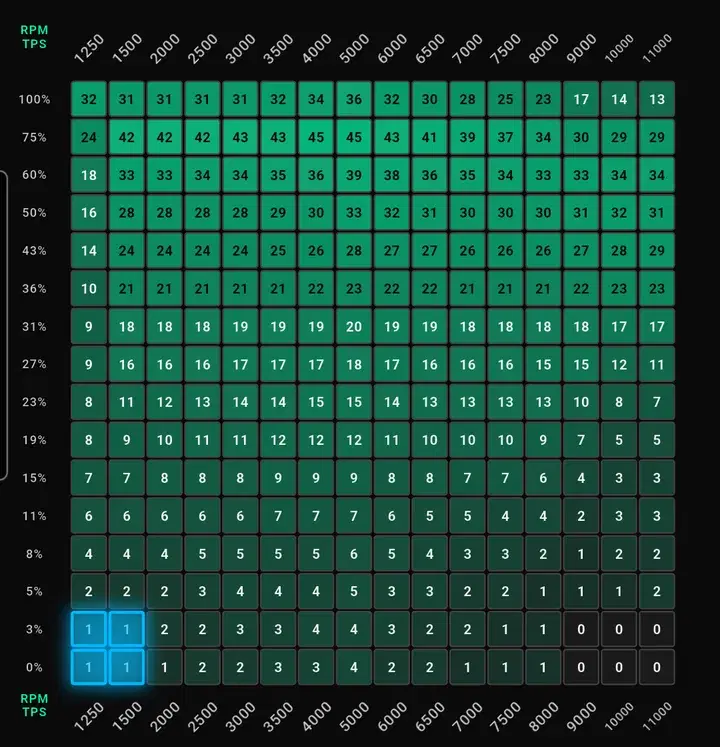
Read the current map off the device, trim any cell, write it back — over Bluetooth. A live crosshair shows exactly where the engine is on the grid. Import a shared map from the fuel maps page, export yours as JSON for the next person.
16×16 cells, RPM × throttle — the blue crosshair is the engine, right now
Your engine, live
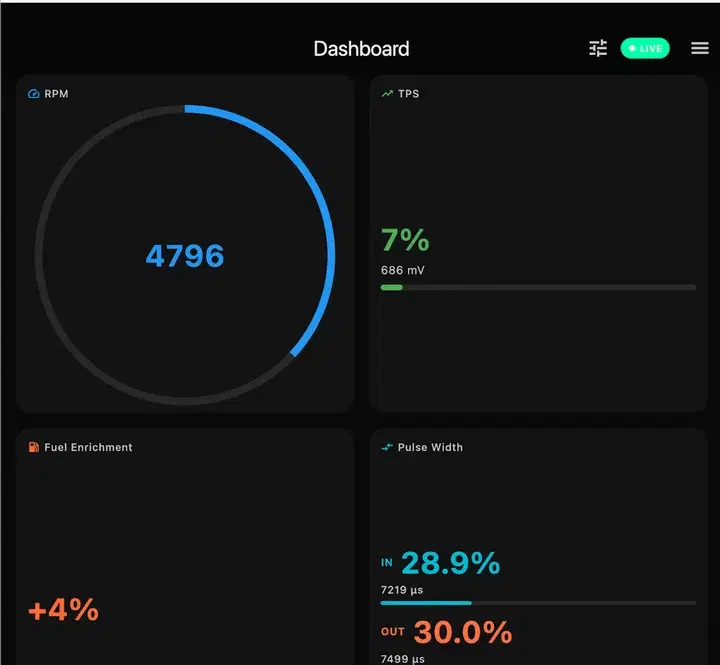
RPM, throttle, fuel enrichment, injector pulse width, battery volts — big, live numbers while the engine runs. Widgets appear for whatever is connected: AFR when a wideband does, ECU temps and speed when the K-line does.
one packed binary link over BLE feeds the dash, the map, and the logger alike
Record & relive
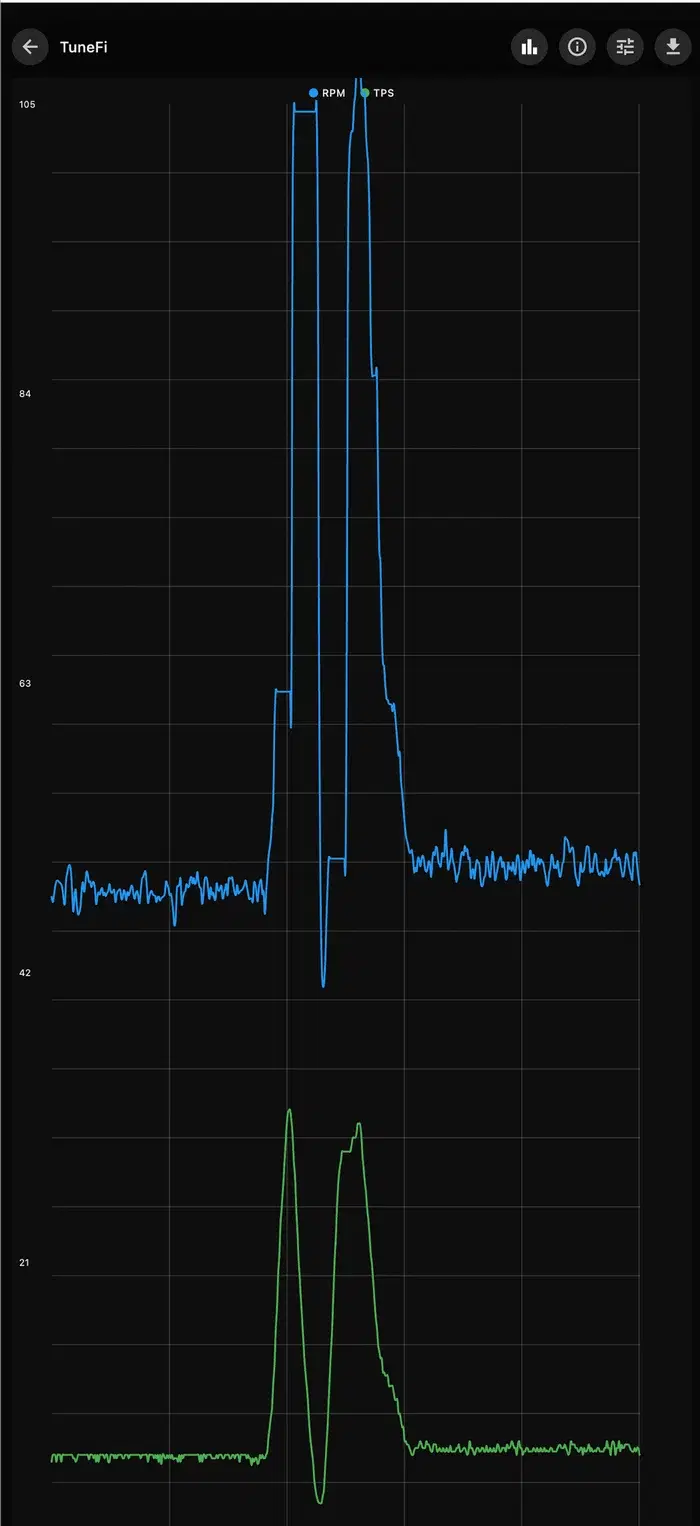
Press REC before you ride. Sessions store full-rate data on your phone — charts with crosshairs, per-sensor toggles, exact runtimes. Export as CSV or JSON, and the file drops straight into Studio.
recordings never leave the phone until you export them
Better over the air
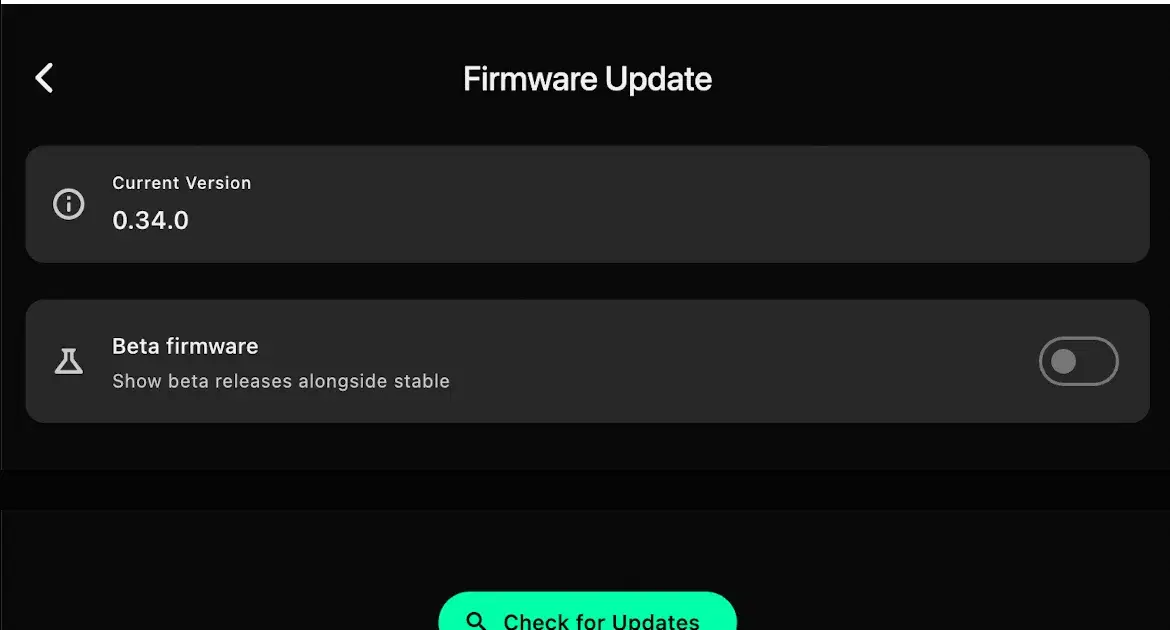
New firmware installs from the phone over Bluetooth — no cables, no laptop. Every release is signed and the device refuses anything it can't verify. Stable and beta channels exist — the guide's advice stands: stay on stable.
RSA-PSS signatures with rollback protection
Also in the box
Corrections in one tap
Heatmaps and a correction grid for real tuning — apply the change to the device with one tap. Trim by cell, not by guesswork.
Air-fuel ratio, measured
Plug in a wideband and AFR joins the dashboard — digitally from a Spartan, or any analog unit with a simple two-point map.
The bike's own data
Coolant temp, intake pressure, speed, FI codes — read straight from the factory ECU over the dealer's diagnostic wire.
Your data stays yours
No accounts, no cloud, no analytics. The phone talks to the device over Bluetooth and that's it.
Install & Setup
Wiring to first ride — the app walks you through it.
TuneFI Studio
Sessions exported, map built — where ride data becomes fueling.
The TuneFI project
What it is, why it can't leave you stranded, and where it's going.