K-Line, Aux & Wideband
Second stage — TuneFI tunes fine without any of this. These connectors add factory ECU data, arbitrary sensor logging, and digital AFR.
TuneFI has two DTM 3-pin connectors besides the main harness:
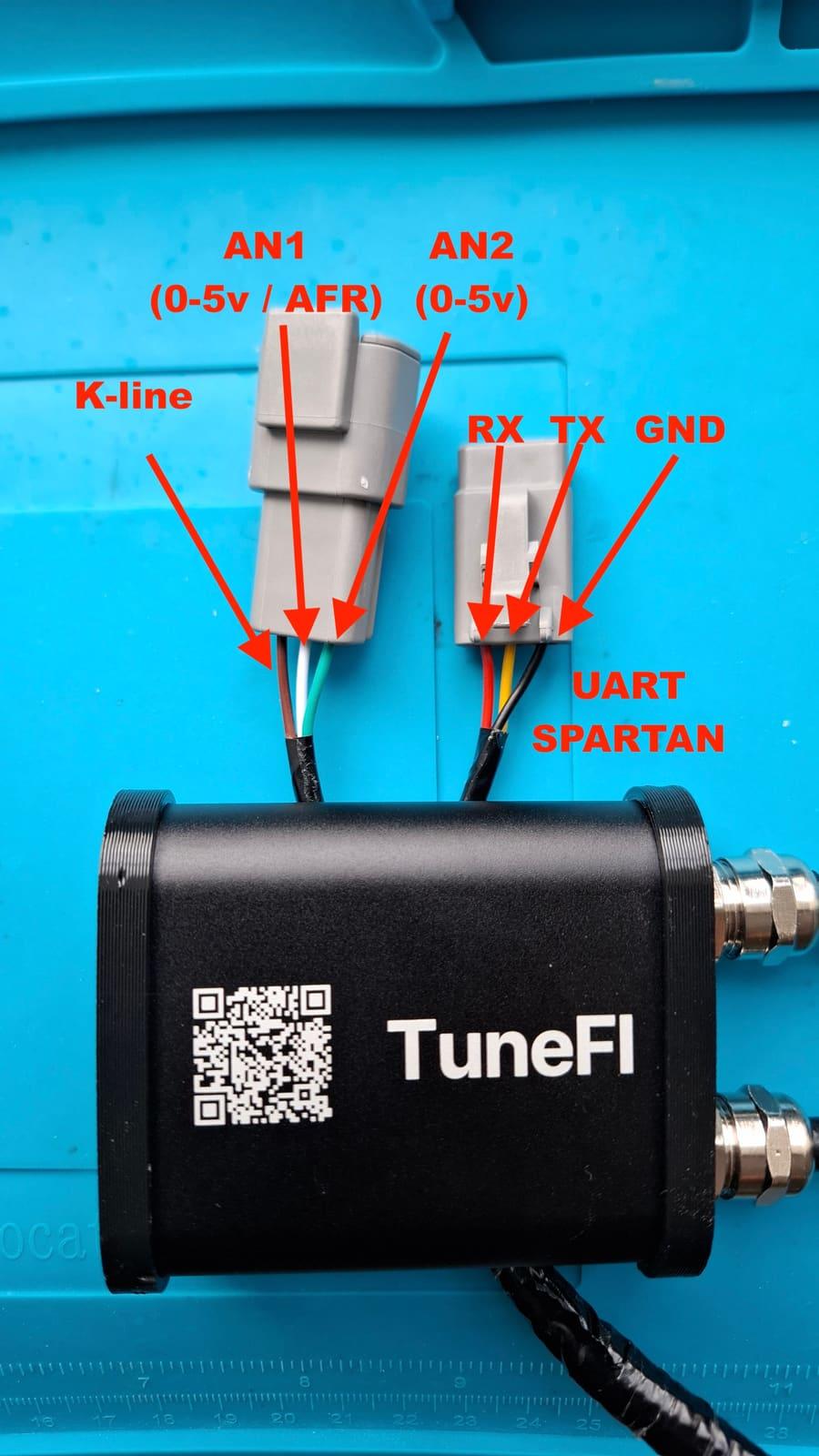
DTM male — K-line & aux inputs
| Pin | Wire | Function |
|---|---|---|
| 1 | Brown | K-line — ECU data |
| 2 | White | AN1 — 0–5V analog input |
| 3 | Green | AN2 — 0–5V analog input |
TuneFI ships the matching DTM 3-pin female connector and crimp pins so you can build your own pigtail.
Brown — K-line
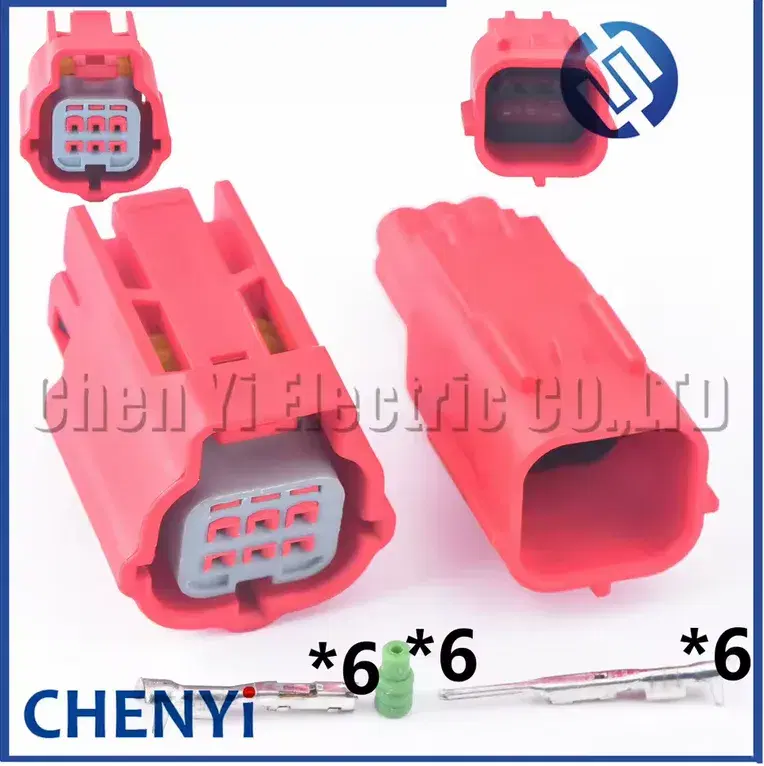
K-line reads live sensor data from the motorcycle ECU — RPM, throttle, temps, manifold pressure, speed (and error codes, possibly more, in a future firmware). To plug into the bike's K-line connector you need one cheap bike-side connector, sold separately:
- KLX300 — MWTPB-06-1A-R, e.g. on AliExpress. Located near the battery, on the left side of the bike.
- KLX250 — Sumitomo HM 090, e.g. on AliExpress. Located near the muffler, on the right side of the bike.

White — AN1
A general-purpose 0–5V input for logging. Example: an analog wideband controller that encodes AFR as a 0–5V voltage — configure TuneFI to convert it with the 2-point linear math in the app settings. (If you run a Spartan wideband, wire it digitally instead — see below.)
Green — AN2
A second 0–5V input, same deal. Log anything you can wire a sensor to.
DTM female — Wideband (Spartan)
The DTM 3-pin female connector is a UART that currently talks to one thing: the Spartan 3 v2 wideband controller. TuneFI polls it and gets AFR digitally — no voltage-to-AFR conversion guessing, readings as precise as the sensor allows.
TuneFI includes the matching DTM 3-pin male connector and crimp pins. Wire it to the Spartan 3 v2 (Lite):
| TuneFI (female DTM) | Spartan 3 v2 Lite |
|---|---|
| Black — electronics ground | Black — electronics ground |
| Yellow — UART TX | Yellow — RX |
| Red — UART RX | Orange — TX |
TX to RX, RX to TX — each side's transmit lands on the other's receive.
If AFR doesn't show up on the dashboard, polling is off. Go to Devices → AFR Sources → Spartan and switch polling on.
No Spartan? Any analog wideband works too — feed its 0–5V output into AN1 above and convert with the 2-point linear math in the app settings. Digital over UART is just better when you have it.